

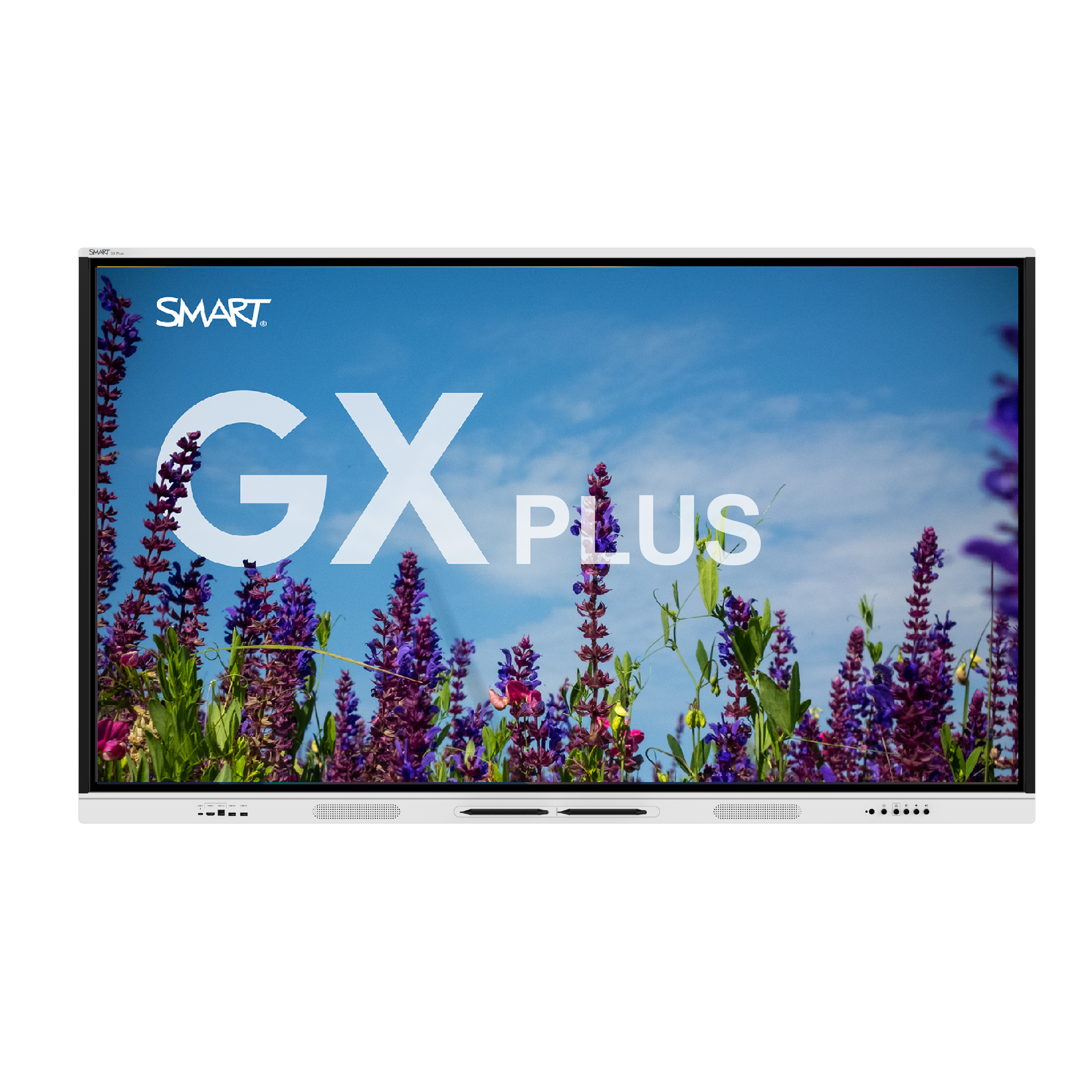

SMART Board GX V4
SMART GX Plus is the well-equipped, affordable option from the makers of the original SMART Board® interactive display. Backed by SMART quality, get the essential teaching tools you need and the peace of mind you deserve. Now EDLA licensed for powerful Google and Microsoft integrations on Android 14.
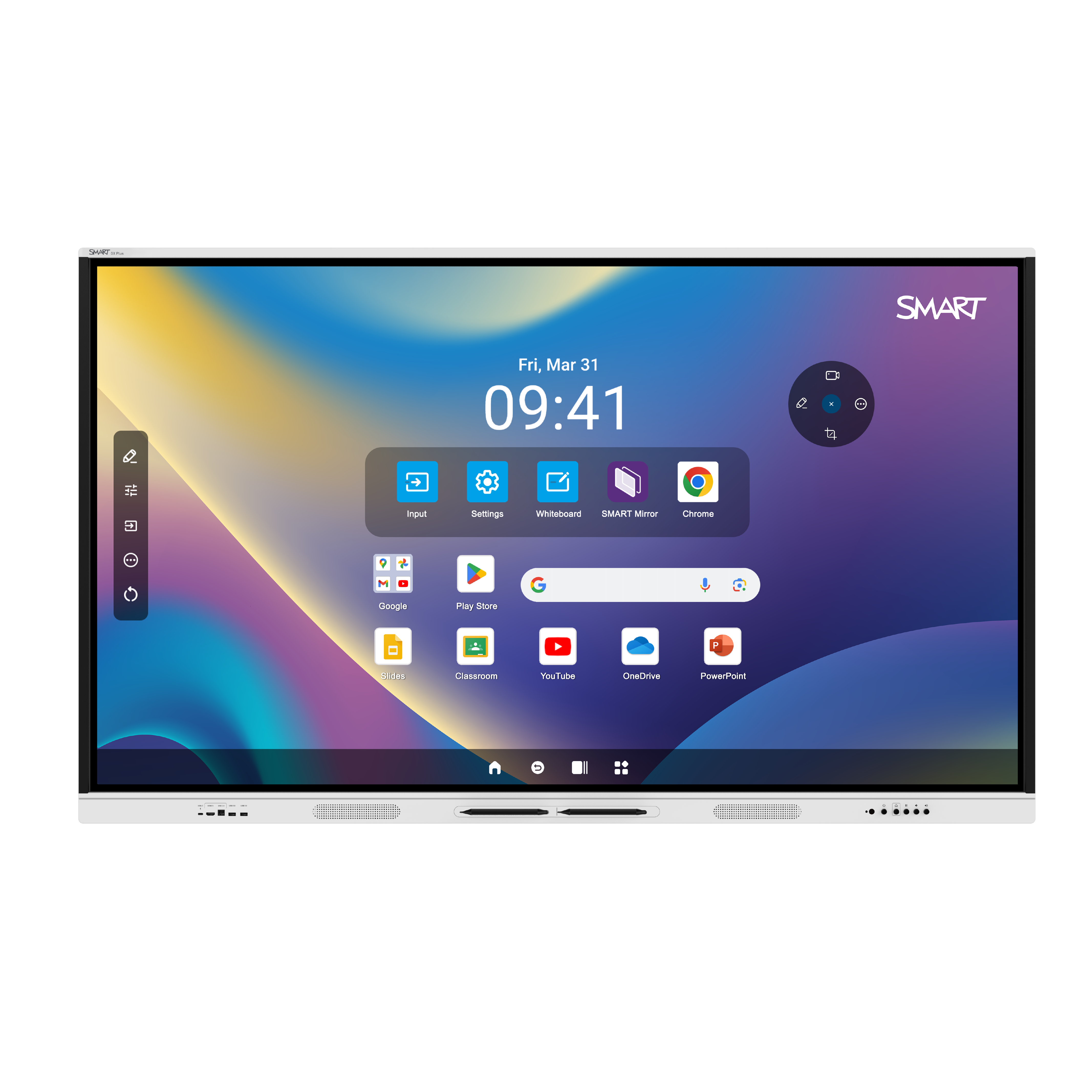
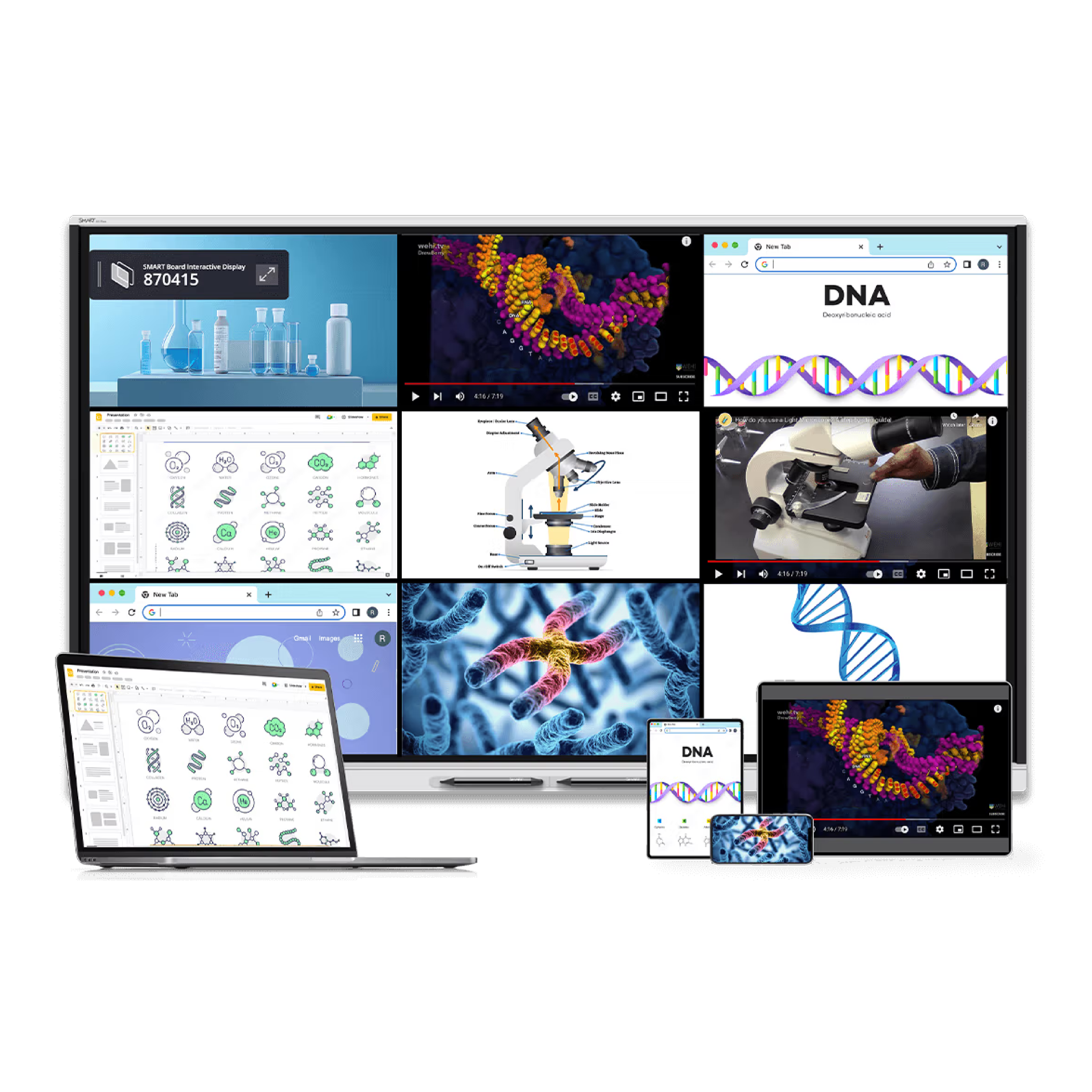
Enjoy powerful interoperability for Google for Education, Microsoft Office 365 apps, and all the other Android apps and education resources teachers know and love. All on an embedded platform with the power and security of Android.
Couldn't load pickup availability
Pickup available at INTELLEVO
Usually ready in 24 hoursPairs well with
In stock! Ships within 3-5 business days.
Pick-up available from Dokki warehouse.
Price includes delivery and installation.
Two years warranty.
SMART Board GX V4
If you have any questions, you are always welcome to contact us. We'll get back to you as soon as possible, within 24 hours on weekdays.
-
Shipping Information
Use this text to answer questions in as much detail as possible for your customers.
-
Customer Support
Use this text to answer questions in as much detail as possible for your customers.
-
FAQ’s
Use this text to answer questions in as much detail as possible for your customers.
-
Contact Us
Use this text to answer questions in as much detail as possible for your customers.


Reliable Classroom Interactivity
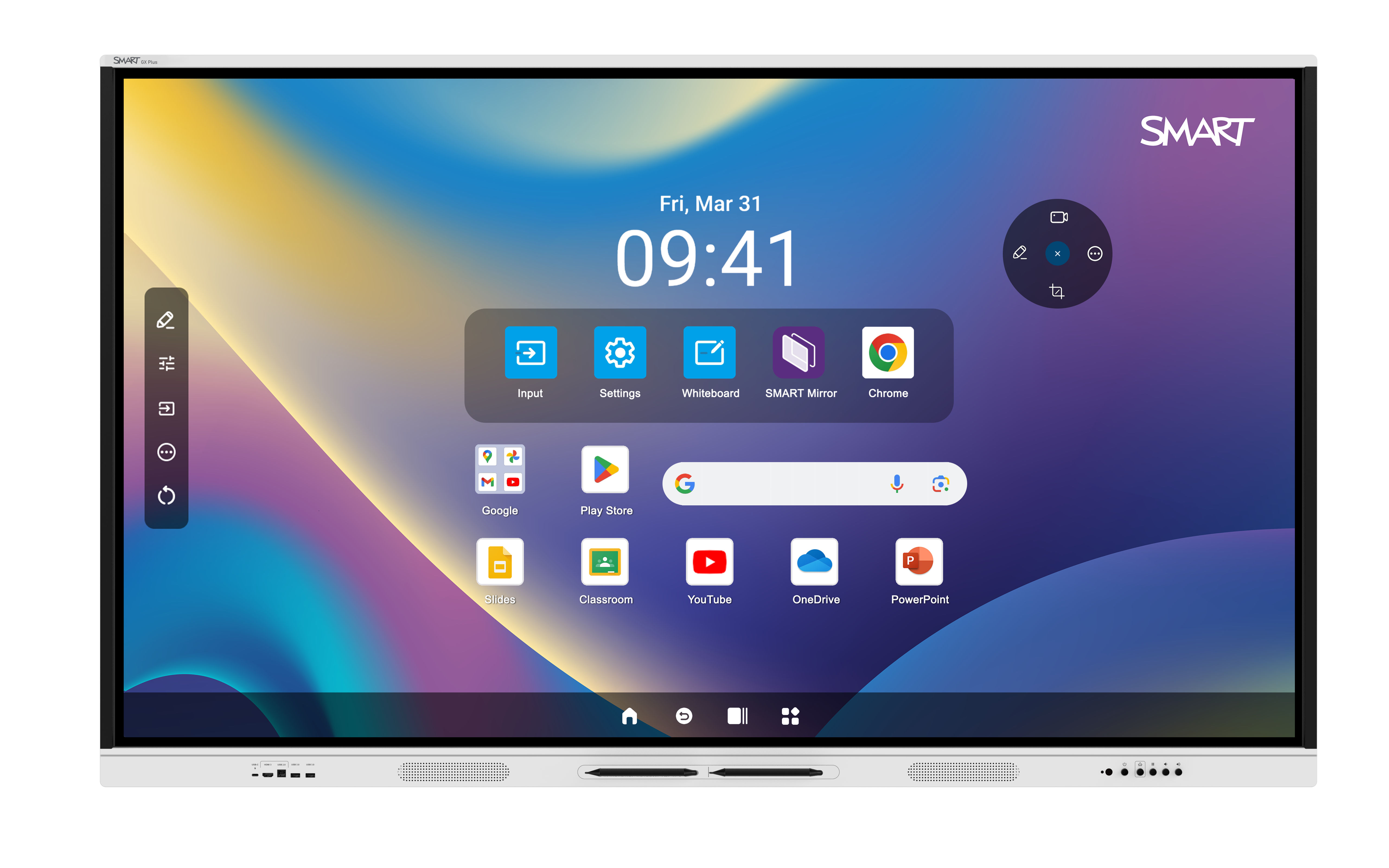
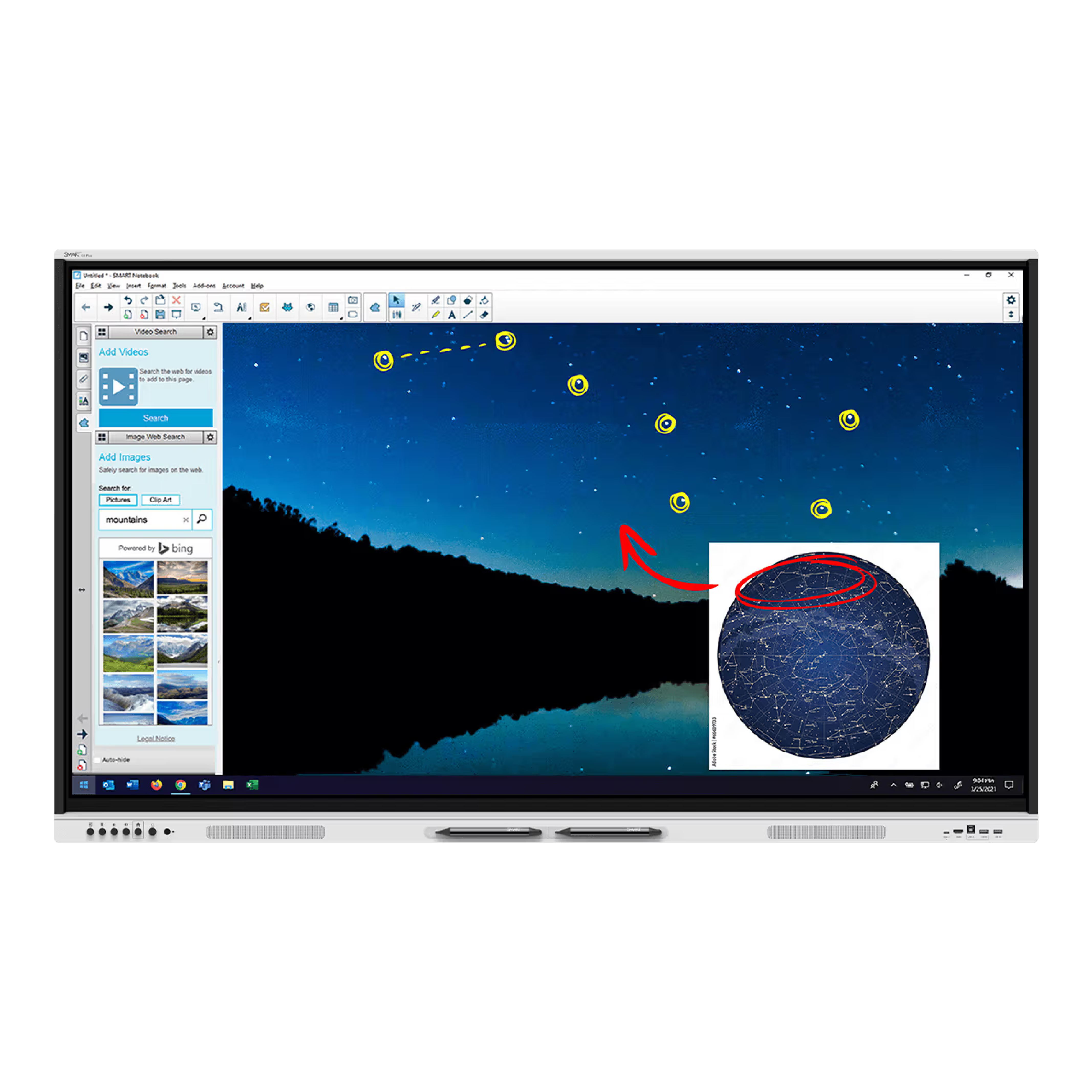
No Computer Needed
Product details
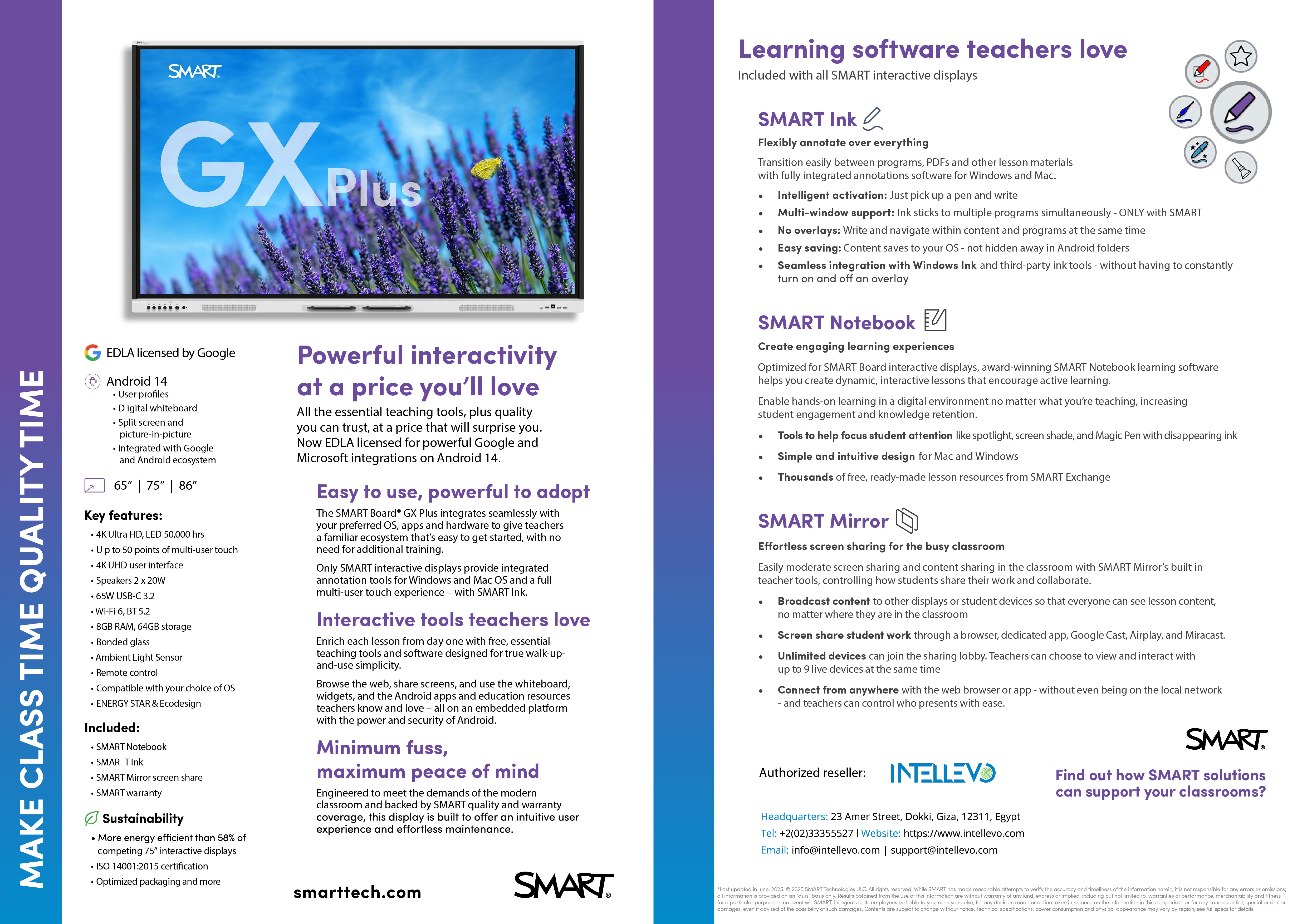
Brochure
Brochure
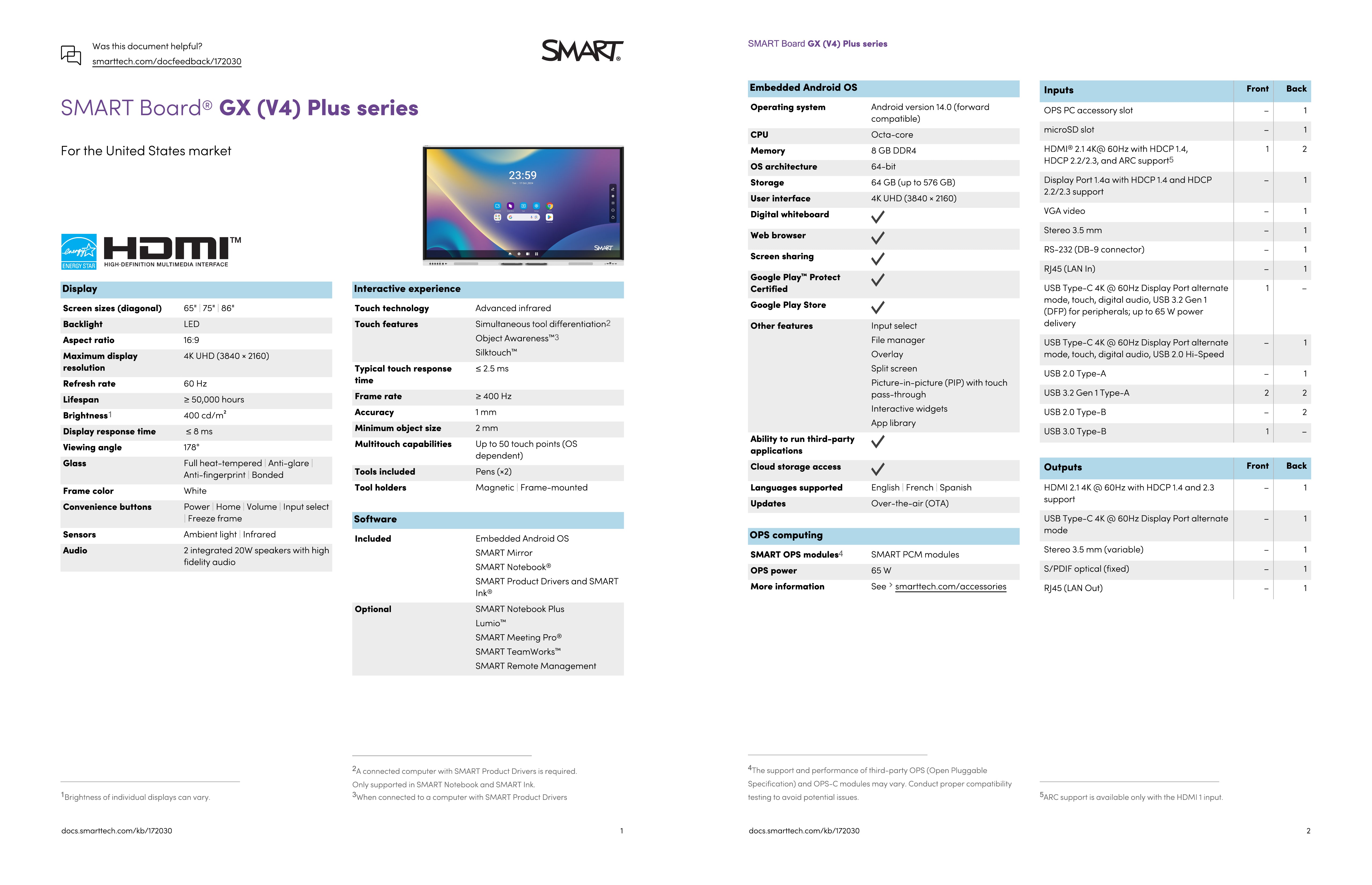
Specifications
Specifications
FAQs
Please read our FAQs page to find out more.
Frequently asked question
Use this text to answer questions in as much detail as possible for your customers.
Frequently asked question
Use this text to answer questions in as much detail as possible for your customers.
Frequently asked question
Use this text to answer questions in as much detail as possible for your customers.
Frequently asked question
Use this text to answer questions in as much detail as possible for your customers.
Frequently asked question
Use this text to answer questions in as much detail as possible for your customers.